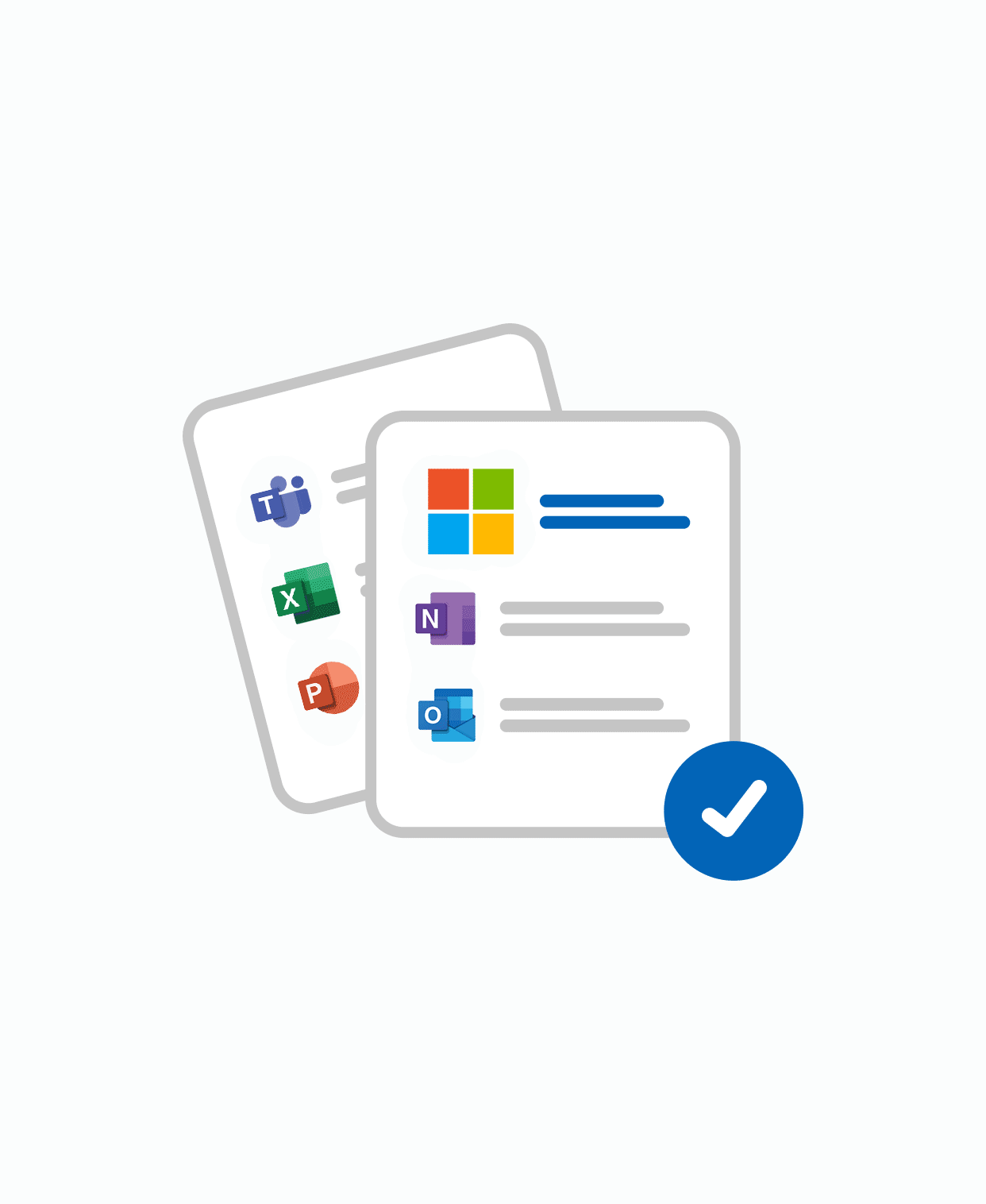
- PDF guide introducing Microsoft 365 as a work platform
- Beginner-friendly, no technical skills required
- Covers Outlook, Teams, OneDrive, Planner and more
- Instant download
Microsoft 365 Workflow Optimization tailored to your business
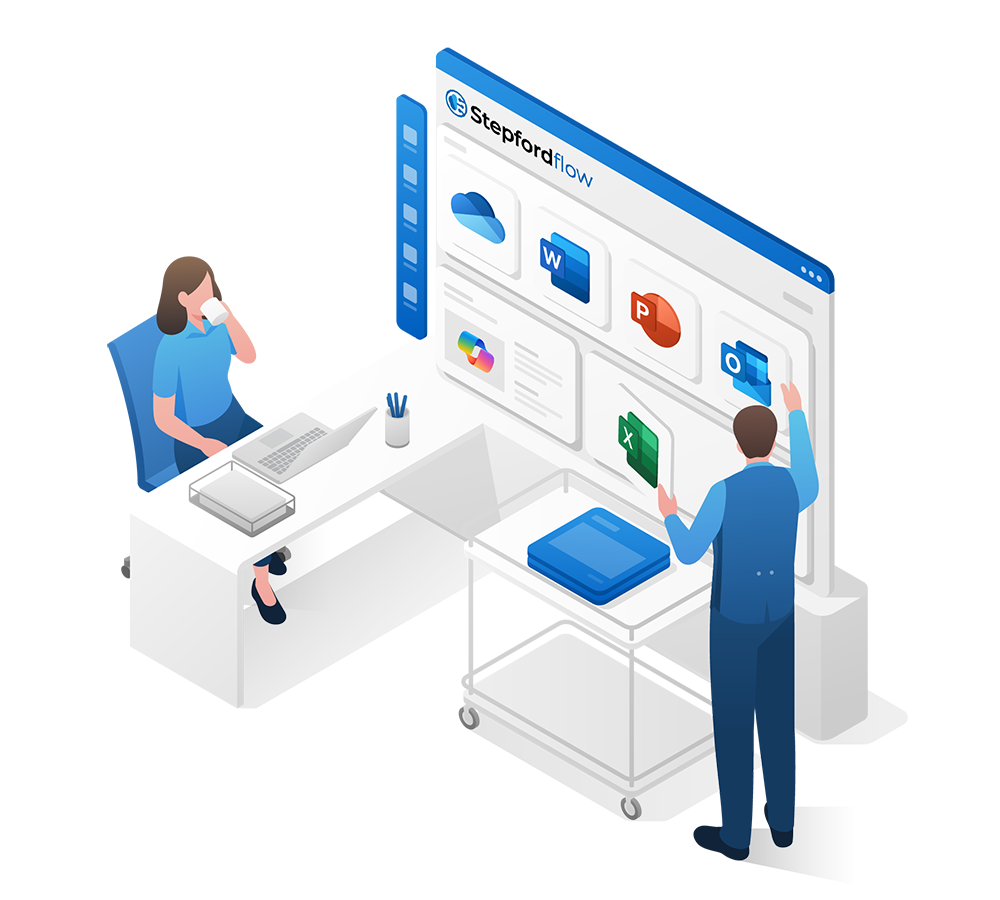
We help you get the most out of Microsoft 365 by structuring, implementing, and optimizing your environment. From Outlook and Teams to OneDrive, Planner, and Copilot – we streamline workflows, permissions, and daily routines so your digital workplace becomes efficient, secure, and future-ready.
Clients & Partners
Why & For Whom
For organizations already using Microsoft 365 but struggling with scattered routines, unclear file structures, or low adoption of the tools you’re paying for. This service is for leaders, IT managers, or teams who want to turn Microsoft 365 into a reliable foundation – with structured processes, smart collaboration, and AI-driven workflows that actually save time.
Find the Right Plan for
Your Organization
Starter
Do it yourself – learn, structure, and optimize step by step.
- Ready-made templates for OneNote, To Do, Planner, Outlook and Teams
- Personal and business versions included
- Delivered as ZIP with structured setup
- Kickstart your workflows instantly
- PDF + Excel toolkit with checklists and naming standards
- Includes folder logic, routines and planning tools
- Platform independent – works across Microsoft 365
- Practical starter pack for daily efficiency
- Self-paced video course (~1.5h)
- Step-by-step setup for Outlook, OneDrive and Teams
- Learn how to build a professional Microsoft 365 workspace
- Includes practical examples
- Self-paced video course (~2h)
- Learn daily Productivity routines in Teams, Outlook, OneDrive and Planner, One note and more.
- Optimize communication and collaboration
- Work smarter and more structured
- Online course (1–1.5h) for Microsoft 365 Personal or Family users
- Learn GPT and Copilot essentials without a business license
- Covers Edge, Loop and Word Online
- Make AI work for you at home or in small projects
- Self-paced video course (~2h)
- Covers Microsoft To Do, Planner and Outlook integration
- Learn how to structure and manage tasks effectively
- From chaos to clarity in daily work
- Advanced self-paced video course (2–3h)
- Covers Copilot in Word, Excel, Outlook, Loop and Teams
- Boost efficiency with AI-driven workflows
- Includes exercises and best practices
Advanced
Work with experts – structured optimization and setup.
- Hands-on consulting session (remote or hybrid)
- 5 hours focused on cleaning up and improving your Microsoft 365 setup
- Covers file structures, permissions and collaboration routines
- Boost efficiency without starting from scratch
- Personal onboarding session (remote)
- Step-by-step guidance for new Microsoft 365 users
- Includes checklist and support material
- Ensures a quick and confident start
- Complete Microsoft 365 setup for your organization
- Tenant creation and licensing included
- Domain connection and email configuration
- New user rights and permission structure
- Entra ID (Azure AD) for secure login and device connection
- Guided file migration: SharePoint for team files, OneDrive for personal files
- Instructions for creating Edge profiles and accessing web apps
- Local installation of Microsoft 365 apps on your devices
- Pre-configured OneDrive folder structure (Stepford Flow OneDrive Template – SFG103, included)
Premium
Advanced optimization, continuous audits and AI-powered workflows.
- 10 hours of deep optimization (remote or hybrid)
- Choose up to 3 focus areas (Teams, Planner, SharePoint, OneDrive etc.)
- Includes structure setup, templates and live training
- Turn your Microsoft 365 into a fully optimized workspace
- Extended onboarding program for new users
- Includes follow-up support and documentation
- Guidance from installation to everyday usage
- Best choice for leadership teams or sensitive users
- Monthly review of structure, permissions and workflows
- 2–3h consultation with report and recommendations
- Identify bottlenecks and improvement areas continuously
- Keep your digital environment optimized over time
- Custom AI assistants built into your Microsoft 365
- Automate repetitive tasks with Copilot and Power Automate
- Examples: meeting notes, inbox handling, file workflows
- Tailored to your team’s actual routines
Enterprise
We do it 4 you – full responsibility, complete transformation.
- Quick security health check of your Microsoft 365 environment
- Based on survey + manual spot-checks
- Identifies missing MFA, wrong license levels, open sharing etc.
- Fast way to uncover critical risks
- Complete Microsoft 365 security setup
- Tenant, licensing and domain configuration included
- Advanced policies: MFA, Safe Links, geo-blocking, Intune
- Covers Entra ID, permissions and secure device onboarding
- Documentation and instructions provided
- All-in-one Microsoft 365 implementation
- Includes setup, security, structure, training and automation
- Covers tenant, Entra ID, SharePoint/OneDrive, Teams, Planner
- AI integration with Copilot and Power Automate
- Ready-to-use, scalable digital environment
- Interactive workshop (3–5h) for your team
- Live exercises in Teams, OneNote, Planner, Outlook etc.
- Practical training to anchor new routines
- Hands-on and engaging learning experience
➕Add ons
Extra services to complement any package.
- All standard Microsoft 365 licenses available
- Business Basic / Standard / Premium
- E3, E5, F1/F3, Apps for Business/Enterprise
- Copilot, Defender, Intune and more
- On-demand expert consultation
- Quick advice and problem solving
- Ask questions about structure or workflows and how to optimize your 365
- Remote technical support
- Troubleshooting, fixes and configuration
- Covers Outlook, Teams, licenses, sync, security
- One-time sessions or support blocks
- Setup of new Microsoft 365 tenant
- Domain verification and DNS records (MX, SPF, DKIM, DMARC)
- License activation and account setup
- Email routing and testing included
- The whole organization 😲
Reviews
“Our daily work in Outlook and Teams is much smoother – no more scattered routines.”

“Copilot and workflow templates saved us hours every week by automating repetitive tasks.”
“Security used to be a blind spot – now we know our environment is safe and under control.”
Not sure what you need, or if
it’s a mix of services?
Let’s have a quick chat first and figure out what’s right for you.