
- PDF guide with checklists
- Beginner-friendly, no technical skills required
- Platform independent – works everywhere
Ecosystem Architecture tailored to your business
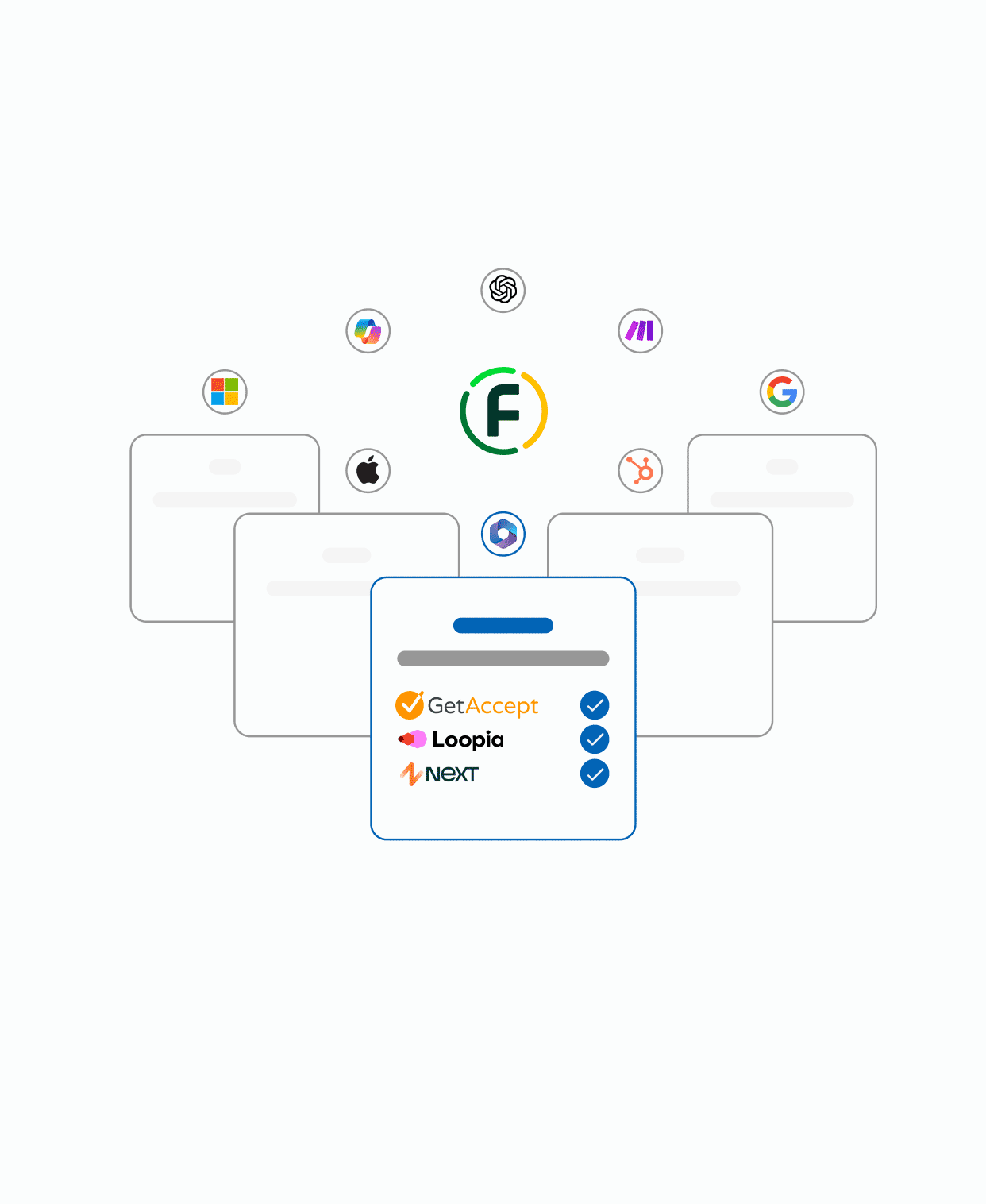
We help you design a unified, scalable and secure digital ecosystem. From Microsoft 365 to CRM and AI – we structure your workflows, permissions and tools so everything works together seamlessly.
Clients & Partners
Why & For Whom
For businesses that feel scattered across too many tools. You may have email in one system, files in another, CRM somewhere else – but no common structure. This service is for companies that want a connected workspace where information flows without friction, employees know where to find things, and growth doesn’t break the system.

Find the Right Solution for
Your Organization
Starter
Digital templates, guides and online courses to build your own ecosystem.
- Ready-made templates for OneDrive, Outlook, Planner, Teams
- Personal and business versions included
- Delivered as ZIP with structured setup
- Kickstart your ecosystem instantly
- PDF guide + Excel kit
- Checklists and structure templates
- Plan, organize and digitize your workflows
- Includes sample routines and processes
- Platform independent – works everywhere
- Self-paced video course
- Covers common scenarios with practical examples
- Optimize and scale your way of working
- Includes AI support and structure templates
- Get more out of Microsoft 365 or any platform
Advanced
Workshops, setup services and onboarding – we help you structure and launch your environment.
- 1:1 advisory meeting (60 min)
- Review of your current ecosystem
- Roadmap and priorities
- PDF summary with recommendations
- Tool, routine and structure guidance
- Workshop (2–3 hours) for you or your team
- Hands-on structure and routine building
- Delivery of templates and workflows
- Platform-agnostic efficiency focus
- 1:1 advisory meeting (60 min)
- Assessment of your current ecosystem
- Complete OneDrive folder setup
- Practical workflows in Outlook, Planner, To Do, OneNote
- Step-by-step guidance for daily use
- Complete Microsoft 365 setup for your organization
- Tenant creation included
- Domain connection and email configuration
- Entra ID (Azure AD) for secure login and device connection
- Pre-configured OneDrive folder structure (Stepford Flow OneDrive Template – SFG103, included)
- Step-by-step documentation provided
- Pre-configured OneDrive folder structure (Stepford Flow OneDrive Template – SFG103, included)
- Setup in Microsoft 365: OneDrive, Outlook, Planner, To Do etc.
- Sharing structure and access management
- Onboarding material and structure templates included
- Delivered ready-to-use for the whole team
- Team training to ensure adoption
Premium
Continuous audits, concierge-level setup and executive advisory – tailored to your organization.
- Ongoing review of ecosystem, licenses and structure
- Monthly report with actionable improvements
- Ensure everything works optimally over time
- Tailored for small to mid-sized teams
- Like a digital ecosystem service check every month
- Ongoing 1:1 advisory for CEO or project owner
- Guidance on digitalization, AI and structural choices
- Aligned with current state, goals and resources
- Focused on decision support and growth
- Your strategic coach for the digital journey
- Complete setup of digital workspace
- Hardware guidance and management
- OneDrive, Teams, Outlook, password manager configuration
- Entra ID permissions structure
- Microsoft 365 software installation
- SharePoint/OneDrive training and instructions
- Dynamic password policy setup
- Security policies aligned with best practice
- Reporting: logs and access control
- Clear routines for file management and security
Enterprise
Complete transformation of your digital workspace – from technical foundation to training and automation.
- Comprehensive security review with action plan
- Setup of Microsoft 365 with correct license model, domain and user management
- Implementation of best-practice security policies
- Entra ID, Intune, multi-factor authentication, password policies, geographic access
- Safe Links & Safe Attachments, email protection and activity logging
- Instructions and documentation for ongoing management
- License activation (M365 Business Standard / Premium)
- We put locks on the doors, alarms on the windows – and cameras in the hallway
- Structured workflows, folders, Teams, Outlook, Planner, To Do, OneNote
- Configuration of AI support: Copilot + Power Automate flows
- 1:1 onboarding, team training and documentation
- Microsoft 365 software installation
- Strategic advisory for long-term optimization
- Project management, review and full documentation
- We build the building, install the power, alarms, interior – and hand you the keys
- Everything included in SFA415 (secure setup with all security policies and recommended configuration) plus:
- Full analysis of your current digital workspace
- Strategic planning and design of a new ecosystem
- Complete Microsoft 365 structuring (OneDrive, Outlook, Teams, Planner, To Do, SharePoint etc.)
- Configuration of permissions, sharing logic, folder structure, AI integration
- License activation (M365 Business Standard / Premium)
- Documented routines, training and change management
- We tear down the old office, build a new one – and move you in
- Onboarding material and structured 1:1 training for team and leadership
- Custom workflows and templates for daily operations
➕Add ons
Flexible consultations, Microsoft licenses, IT support and modular setup packages.
- Business Basic / Standard / Premium
- E3, E5, F1/F3, Apps for Business/Enterprise
- Copilot, Defender, Intune, Exchange, Power Platform, Dynamics 365
- Entra ID onboarding (account connection to Microsoft 365)
- License activation (M365 Business Standard / Premium)
- Choose the right Microsoft 365 license for your organization. We provide all standard
- licenses, from Business Basic to Copilot Studio and Defender packages.
- On-demand expert consultation
- Quick advice and problem solving
- Ask questions about structure or workflows
- On-demand help with technical issues
- Remote support, troubleshooting and guidance
- Examples: Outlook issues, license conflicts, sync, , security Teams
- Advice on technical questions and license choices
- Available as one-time support or support blocks
- Practical help for solving tech problems without the guesswork – especially valuable
- for smaller teams without internal IT
- Full technical configuration of a new Microsoft 365 tenant. The service includes
- Setup of Microsoft 365 tenant
- Domain verification and DNS records (MX, SPF, DKIM, Dmarc)
- Activation of licenses and accounts
- Email routing + testing
- 15 min call with account manager
- Technical call with engineer
- The whole organization 😲
Reviews
“We finally have one place for everything – no more chasing files across different tools.”

“The workshop gave us a clear structure that actually works in daily routines.”
“Growth no longer breaks our system – everything scales smoothly with Microsoft 365.”
Not sure what you need, or if
it’s a mix of services?
Let’s have a quick chat first and figure out what’s right for you.